
Digital DBT Diary Card Walkthrough: Log Entries in Under 60 Seconds
Paper diary cards are easy to skip when emotions are already running high. You cannot find the sheet, you do not have a pen, or the format feels too rigid for what you are actually experiencing. A digital workflow lowers that barrier—especially when logging takes under a minute.
This walkthrough shows exactly how to complete a diary entry using DBT Pal, step by step. It also covers how to keep a printable backup from the DBT Crisis Kit for offline moments when your phone is not an option.
Before You Log: The 10-Second Pre-Check
Before opening the app, do a quick internal scan. This keeps each entry focused rather than overwhelming:
- Rate your current emotion intensity (0–10) in your head. Just a rough number.
- Notice any urges — self-harm, substance use, isolation, impulsive behavior — that deserve tracking.
- Identify the skill you most want to reinforce or try next.
That ten-second scan keeps you present when you open the app, rather than staring at a blank screen trying to figure out where to start.
Step 1: Capture Emotions
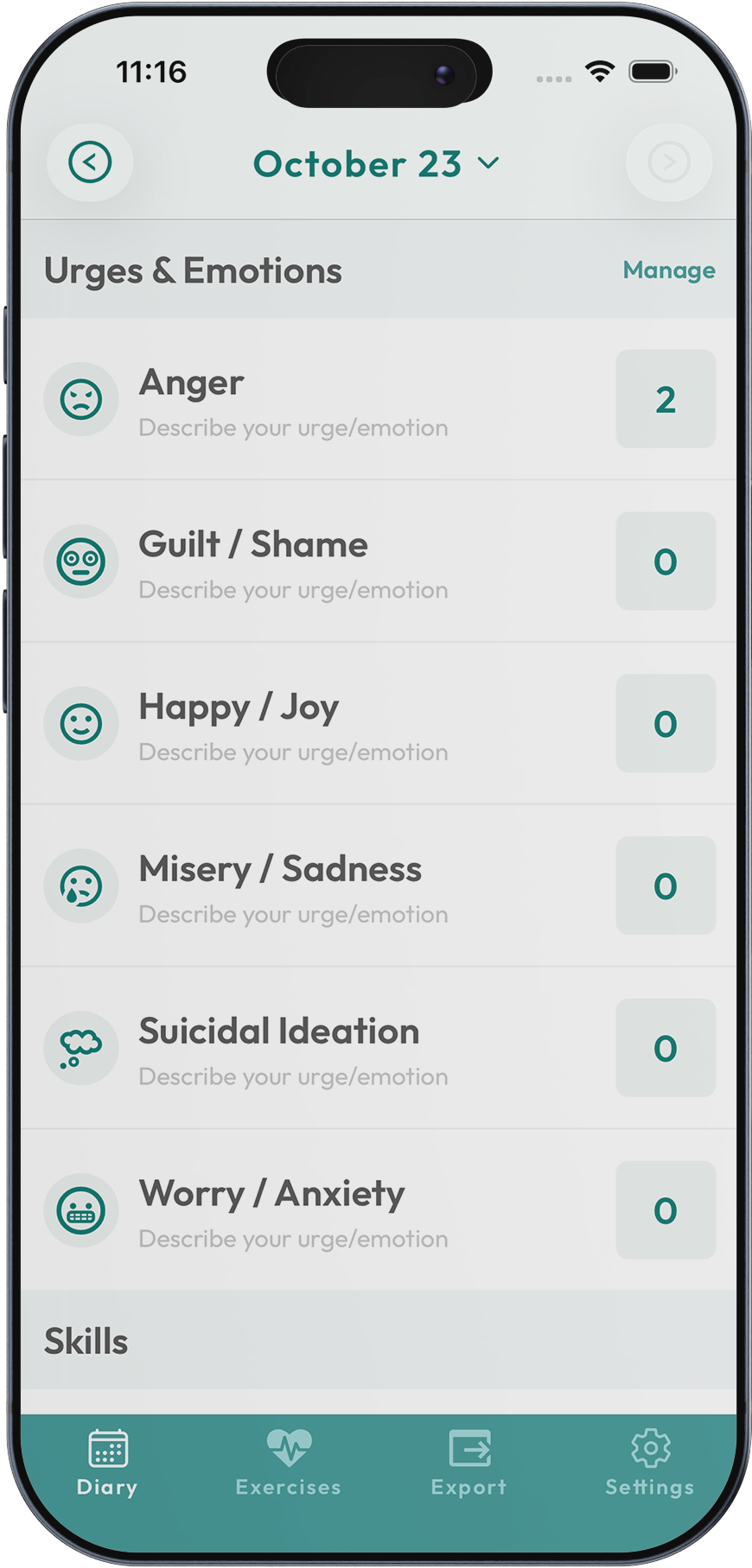
Open DBT Pal and tap New Entry. The emotions screen appears first:
- Select up to three emotions that describe your current state or the most significant moment of your day.
- Drag the intensity slider for each emotion (0 = barely noticeable, 10 = most intense you have experienced).
- Add a context note if there is something your therapist should see later — a thought, a situation, a question.
This becomes your baseline for every diary card review. Even if the feeling shifts five minutes later, record what is true right now. Accuracy depends on proximity to the moment, not perfection.
Download DBT Pal and try your first entry
Download DBT PalStep 2: Track Urges and Behaviors
The next panel separates urges from actions—a critical distinction in DBT:
Urges: Tap the urges that surfaced (self-harm, impulsive spending, substance use, binge eating, isolation). Use the slider to rate how intense the urge was.
Actions: If you acted on an urge, mark it here. This is not about judgment—it is about creating data you can discuss in session. Knowing you had a 7/10 urge and did not act on it is meaningful progress.
Effectiveness: A one-tap rating for whether the skill you tried helped. This quick feedback loop builds a record of which skills work for which situations.
This layout mirrors the standard paper diary card columns but condenses them into minimal taps. No writing, no searching for the right column, no running out of space.
Step 3: Log Skills
Scroll to the skill modules. Each DBT category lists core skills with brief descriptions—a quick reminder so you do not have to leave the app to look something up:
- Mindfulness → Observe, Describe, Participate, Wise Mind
- Distress Tolerance → TIPP, Self-Soothe, STOP, Radical Acceptance
- Emotion Regulation → PLEASE, Opposite Action, Check the Facts
- Interpersonal Effectiveness → DEAR MAN, GIVE, FAST
Tap each skill you attempted. If you are building a streak, toggle the reminder so DBT Pal nudges you tomorrow at the same time.
You do not need to have used a skill "correctly" to log it. Trying a skill and finding it only partially effective is still valuable data. Your therapist wants to see the attempt, not just the successes.
Step 4: Add Notes
At the bottom of the entry, there is room for free text. Consider adding:
- Triggers or thoughts that stood out during the moment.
- "Next time" ideas — which skill you want to try if the same situation recurs.
- Context for your therapist — anything that would help them understand the entry without you having to explain it in session.
Notes make therapy reviews more efficient. Instead of spending session time reconstructing the week, you and your therapist can scan entries and jump straight to the patterns.
Step 5: Export and Share
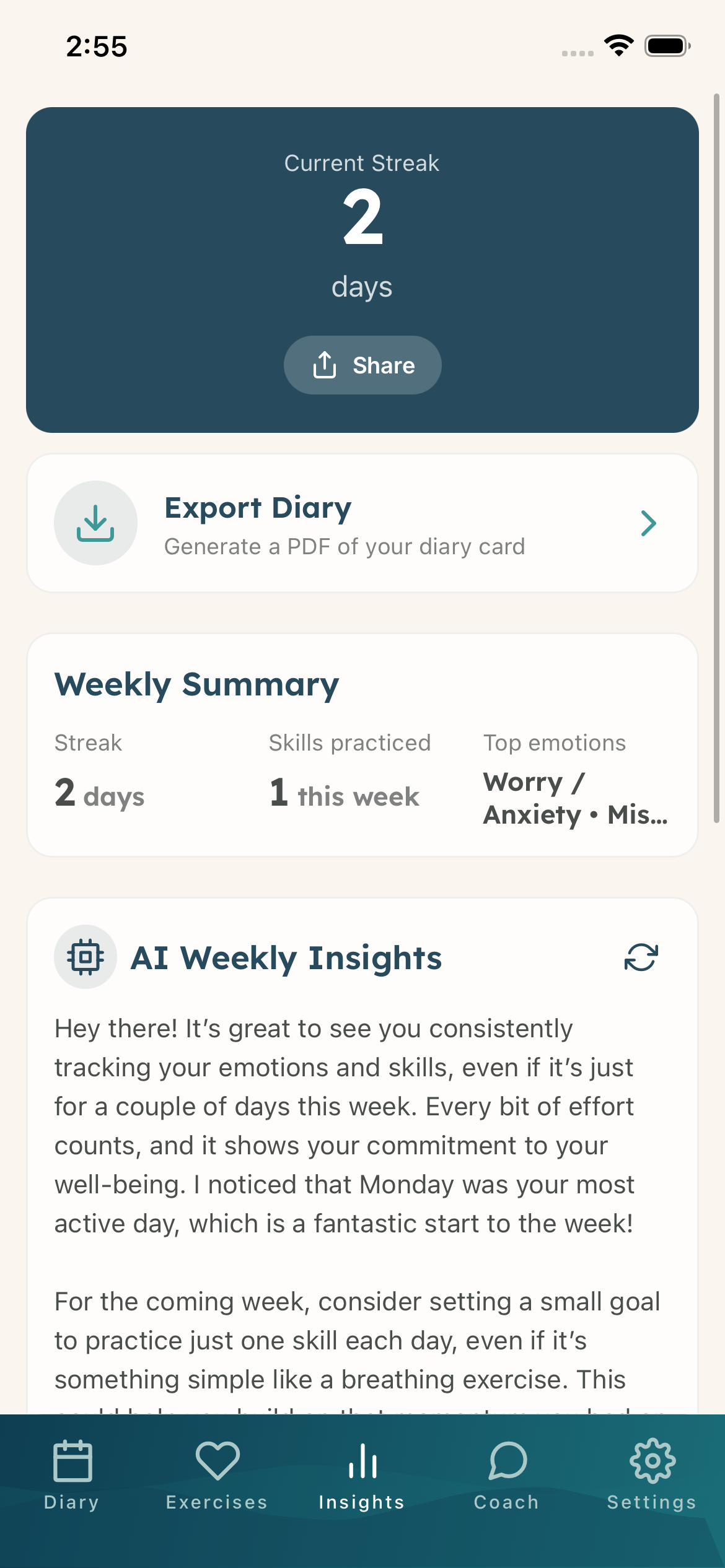
Tap Finish Entry and head to the exports tab. You have several options:
- Email a PDF summary before your session so your therapist can review it in advance.
- Share a weekly CSV that mirrors the traditional diary card spreadsheet format.
- Bring your phone to session and review the dashboard together in real time.
If your therapy group uses paper cards, print the DBT Crisis Kit mini diary card and fill it using the same structure. The data format stays consistent regardless of the medium.
Start digital diary tracking — download DBT Pal free
Download DBT PalBuilding the Habit: What Actually Works
A digital diary card is only useful if you actually fill it out. These habit strategies have the highest success rate:
Pair it with an existing routine. Log your entry right after brushing your teeth, taking medication, or getting into bed. Anchoring to a habit you already have eliminates the "when do I do this?" question.
Set two reminders, not one. One for your evening review and one that fires after your most common trigger time (e.g., after work, after a recurring stressful appointment).
Lower the bar on hard days. A 15-second entry with just an emotion and intensity is better than no entry at all. You can always add details later.
Use the widget or quick-launch. Long-press the DBT Pal icon to jump straight into a new entry. The fewer taps between urge and log, the more likely you are to capture the moment.
Do not let gaps become streaks. Missing a day is normal. Missing a week because you feel guilty about missing a day is the actual problem. One entry after a gap is more valuable than a perfect streak.
Troubleshooting Common Problems
"I forget until midnight." Put the DBT Pal widget on your home screen. Every time you unlock your phone, you see it. Set a bedtime reminder as a backup.
"I do not want to log a setback." Log it anyway. Setbacks are some of the most valuable data points. Tag which crisis skill you tried (or did not try). Your therapist celebrates the effort of tracking, not just the outcomes.
"The entry feels too long." Hide the skill modules you are not currently working on in settings. Most people actively use 2–3 modules, not all four. Trimming the interface cuts entry time significantly.
"My therapist wants a paper card." Use both. Log digitally throughout the week for accuracy, then export a PDF that mirrors the paper format. Many therapists prefer this approach once they see the data quality.
When to Use the Printable Backup
Phone dead? In a therapy group that requires paper? Use the printable from the DBT Crisis Kit:
| Emotion (0–10) | Urges (0–10) | Skills Tried | Effective? | Next Step |
|---|---|---|---|---|
| Anxious (7) | Avoid (5) | Paced breathing | Partially | Try grounding next time |
Transcribe the entry into DBT Pal later so your week shows a complete record. That way your exports stay clean and your therapist sees the full picture.
Why Digital Tracking Changes Therapy
The best diary card is the one you actually use. A digital-first workflow gives you:
- Near-instant logging so emotions and urges get tracked while still fresh.
- Automatic trends that surface patterns your therapist would otherwise have to calculate manually.
- Privacy — entries stay on your device unless you choose to export.
- Consistency — reminders, streaks, and a low-friction interface make daily tracking sustainable long-term.
Download DBT Pal — free on the App Store
Download DBT Pal